CONGRATULATIONS!
You're Scheduled For Your Strategy Call
Step 1/3: Watch The Video Below
Step 2/3: Confirm Your Strategy Call [Now]

Step 1: Confirm Your Appointment
Go To Your Email Provider & Reply "Yes" Or "Ready" To Confirm

Step 2: Check Your Messages
Open iMessage Or Whatsapp And Reply To The Text We'll Send Shortly

Step 3: Add It To Your Calendar
Open Add The Event To Your Calendar (Click The Icons Below)
This Google Update Could Affect Your Appointment
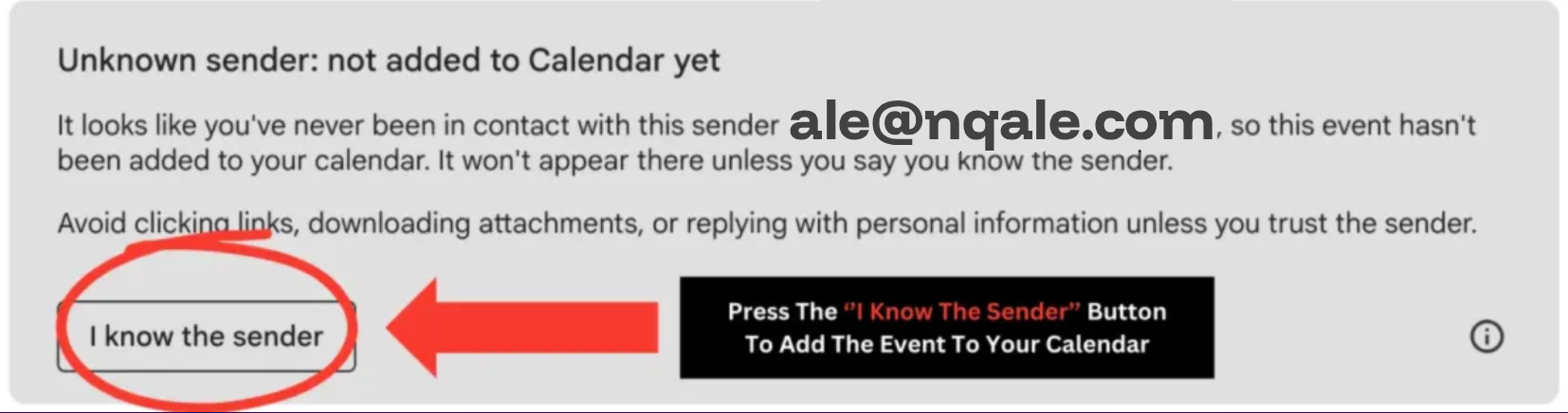
You may also notice an email from Google titled "Invitation from an unknown sender". This is due to a recent Google Calendar update that has a slight technical bug. If you see this email, select "Yes" on the calendar appointment to avoid confusion.
Step 3/3: Watch These Frequently Asked Questions
Why haven't I been able to fix this on my own?Video
What if I'm still grinding evals?Video
What if this doesn't work out for me?Video
How long will it take for me to see results?Video
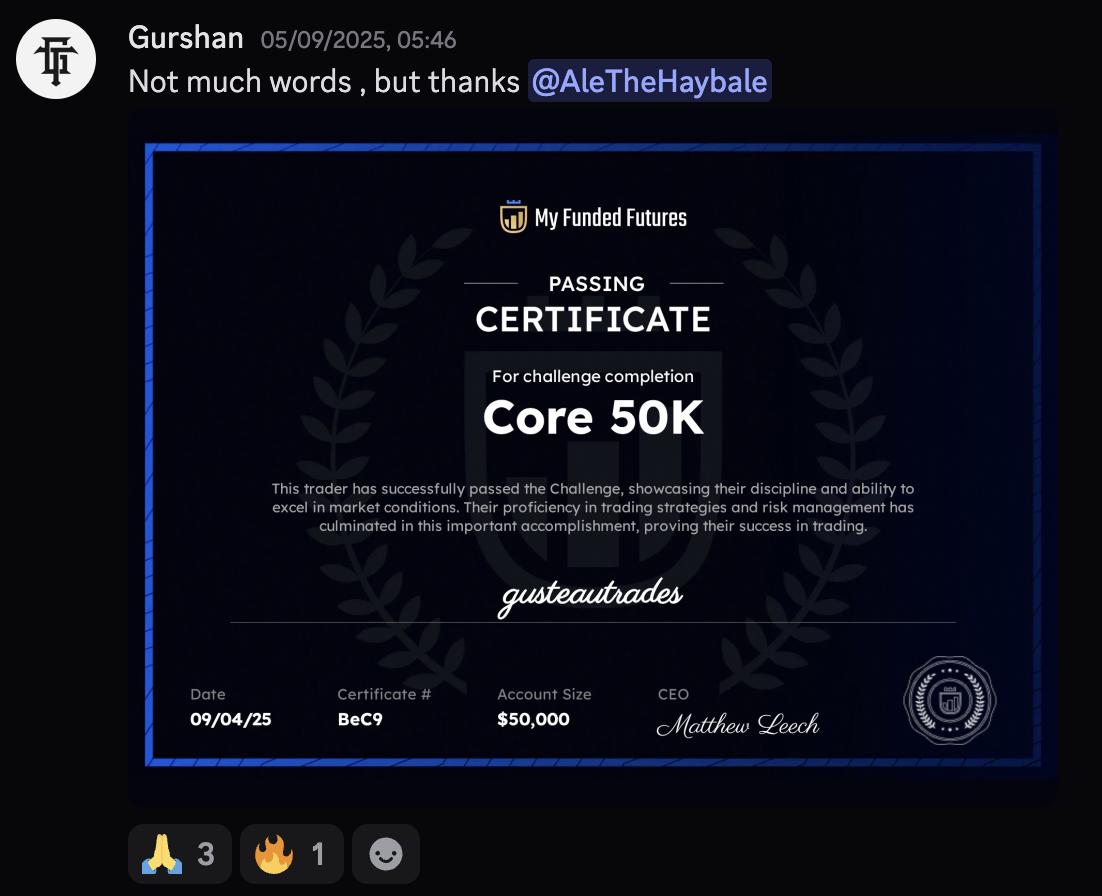
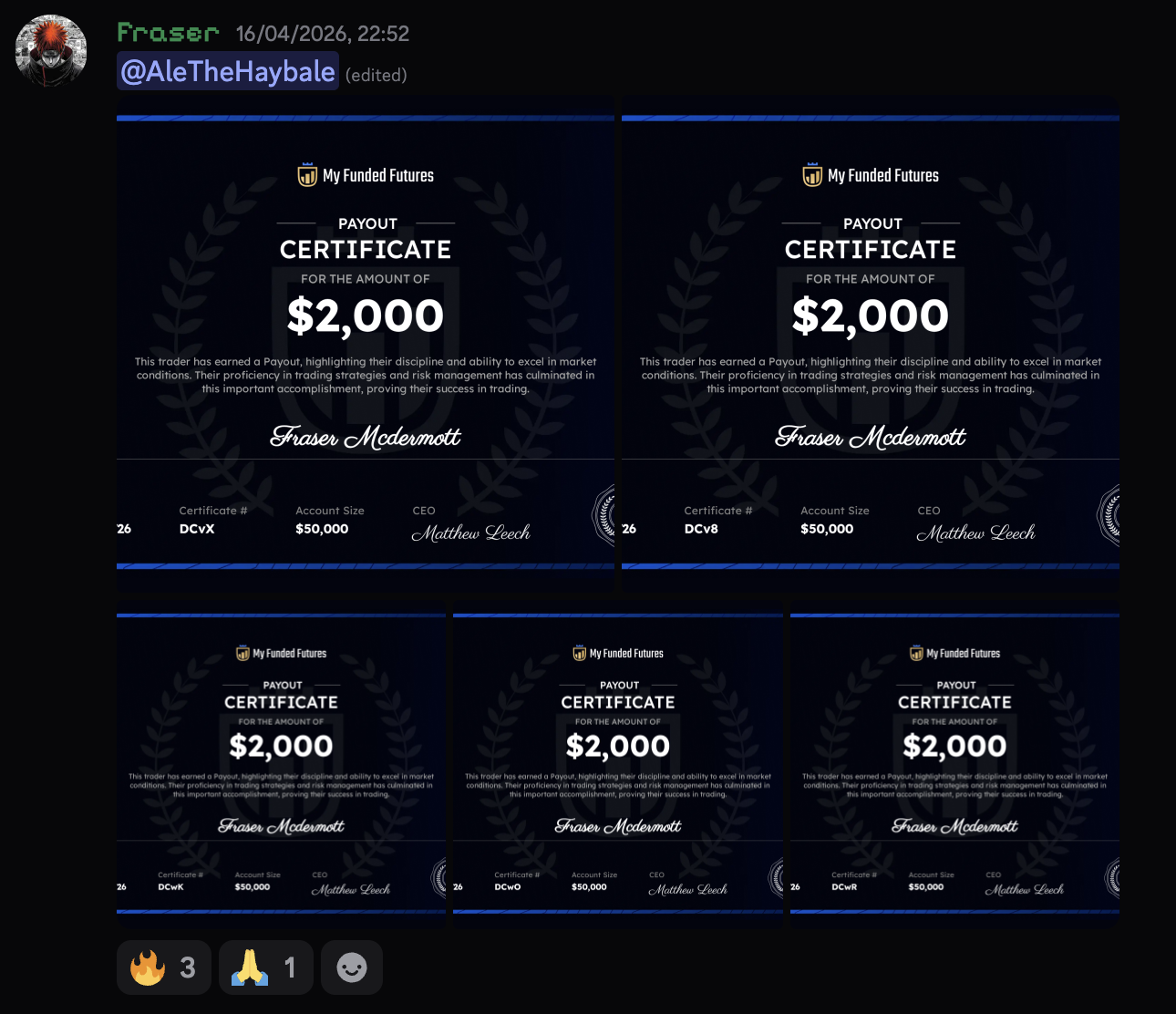
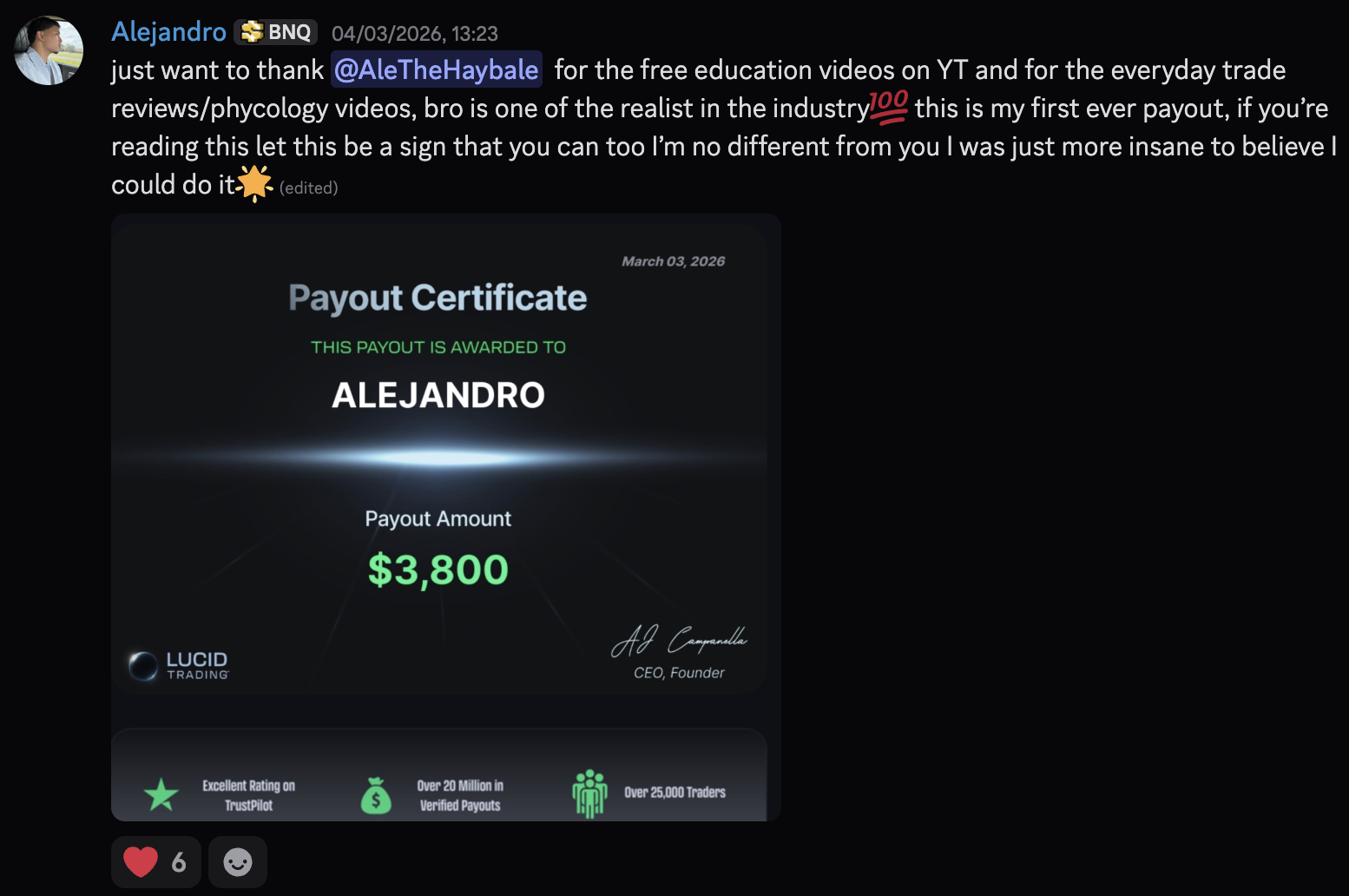
LIVE Interviews From Past Students In The Funded Formula
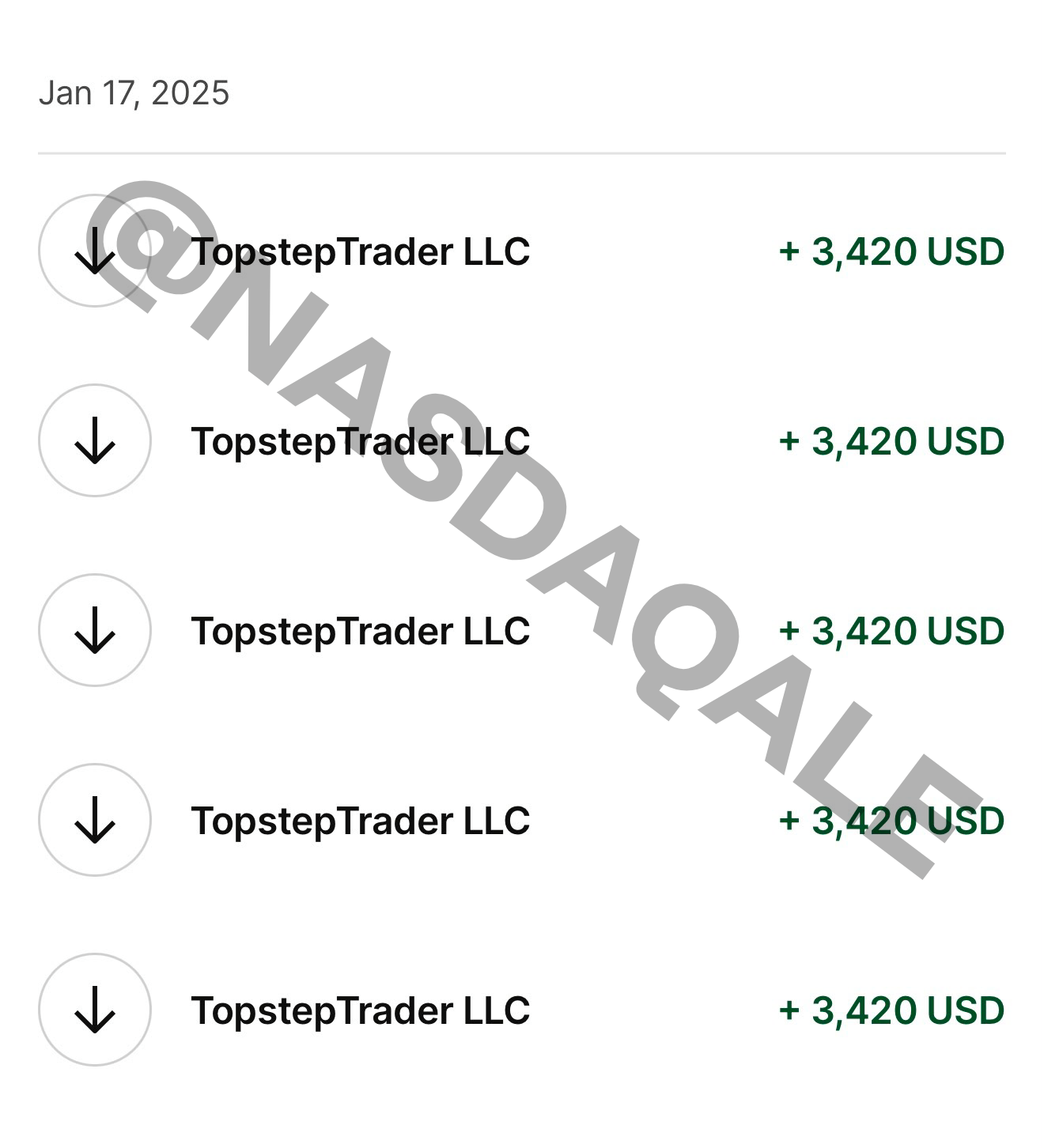
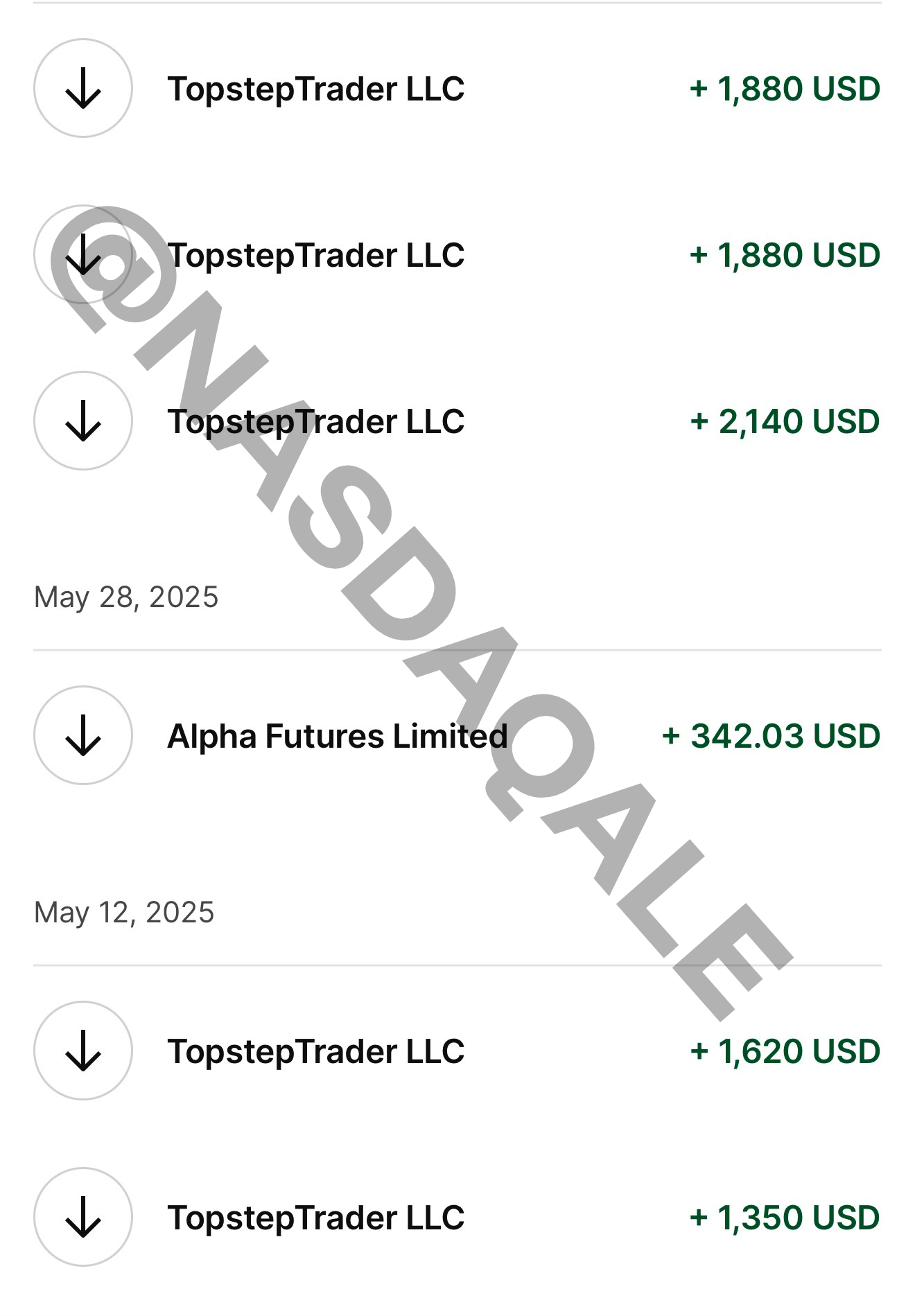
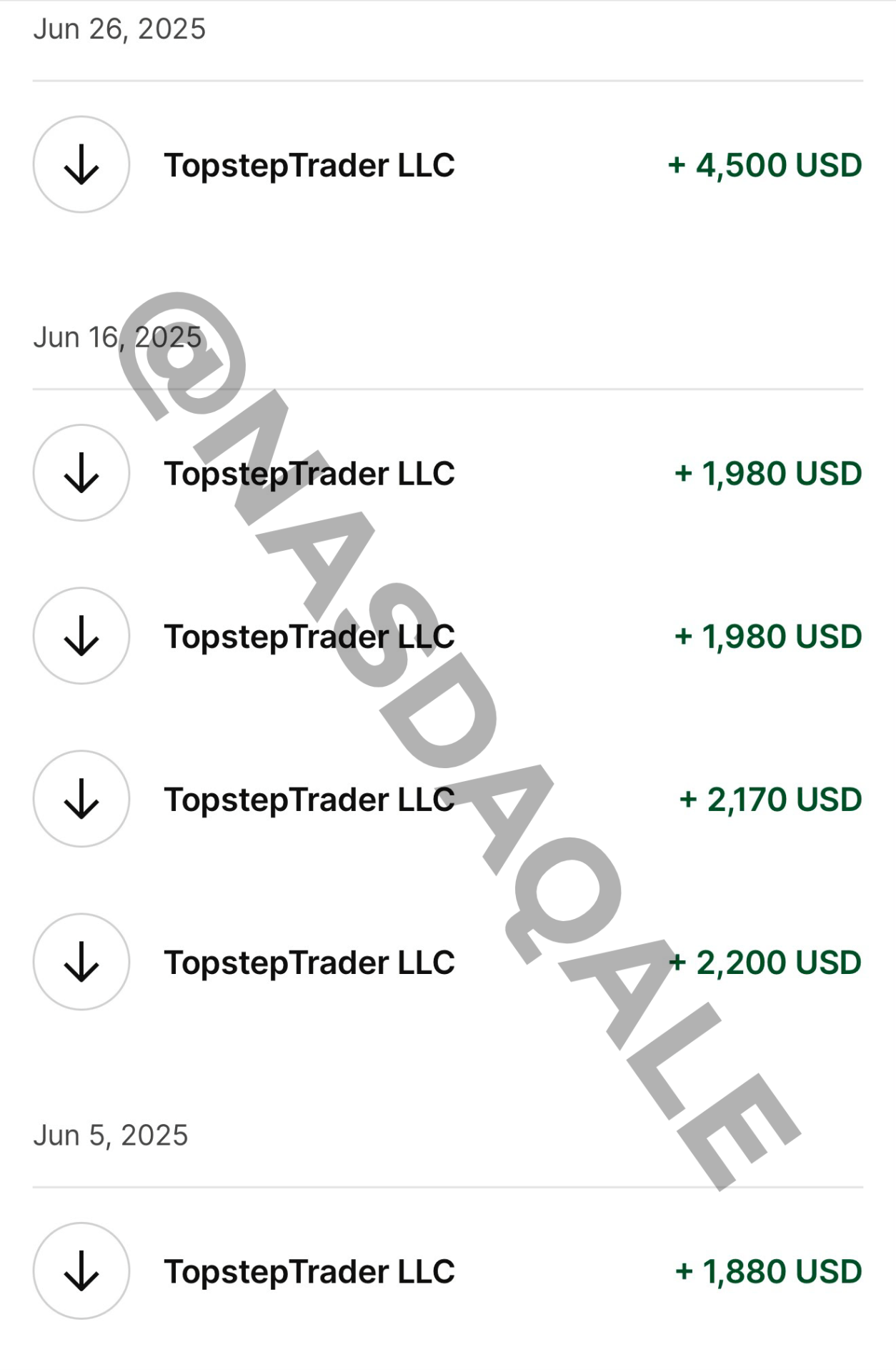
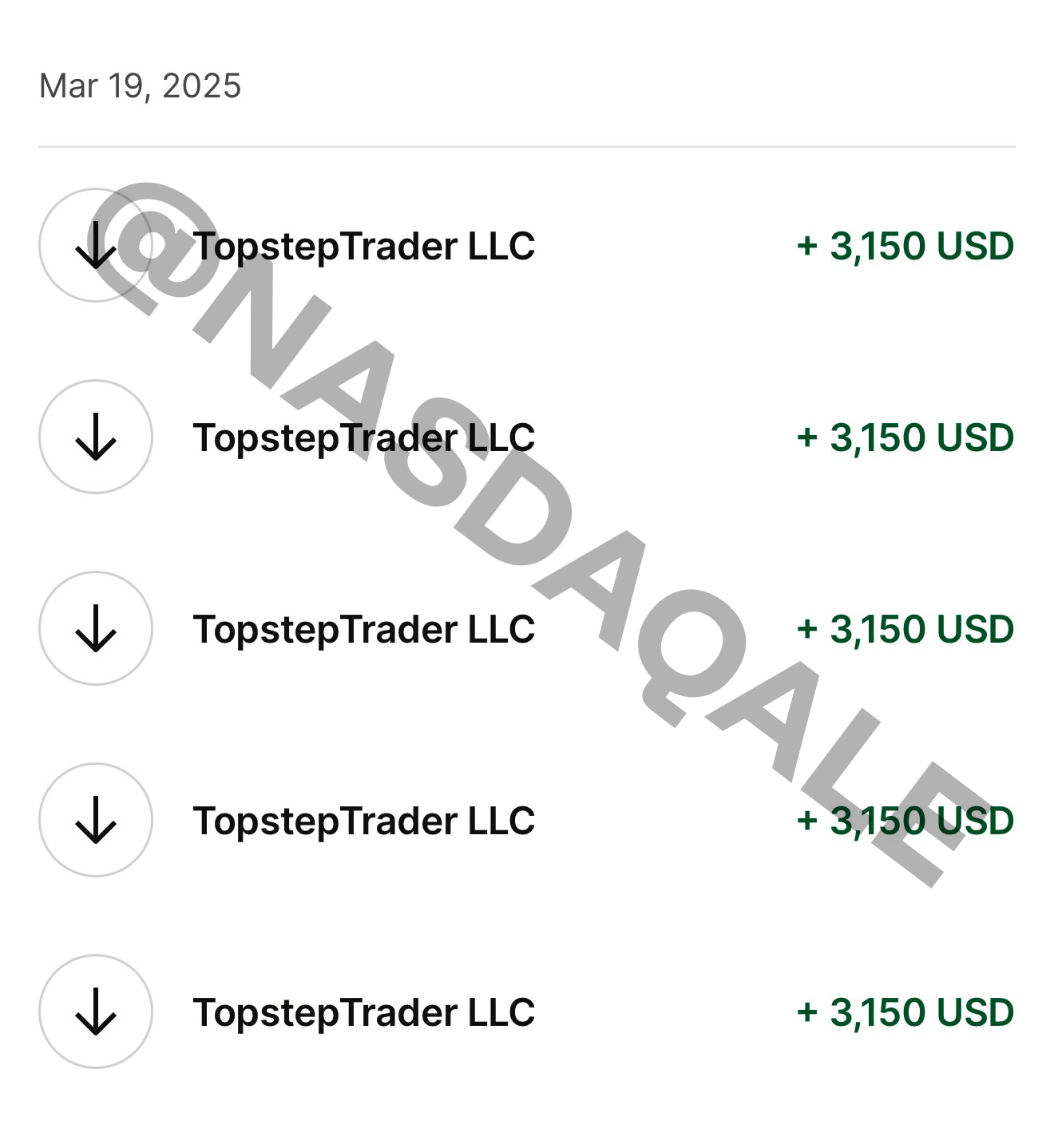
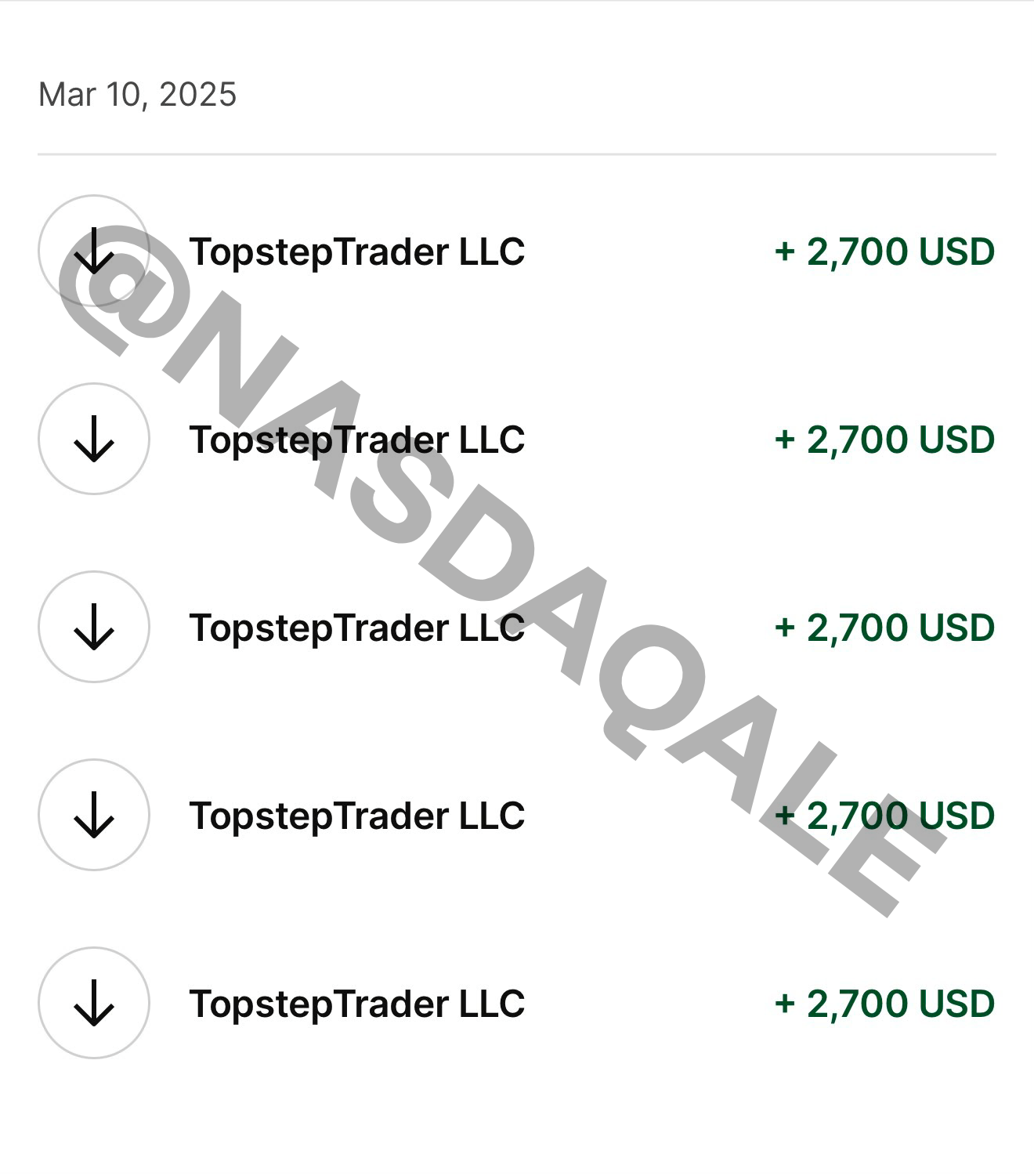
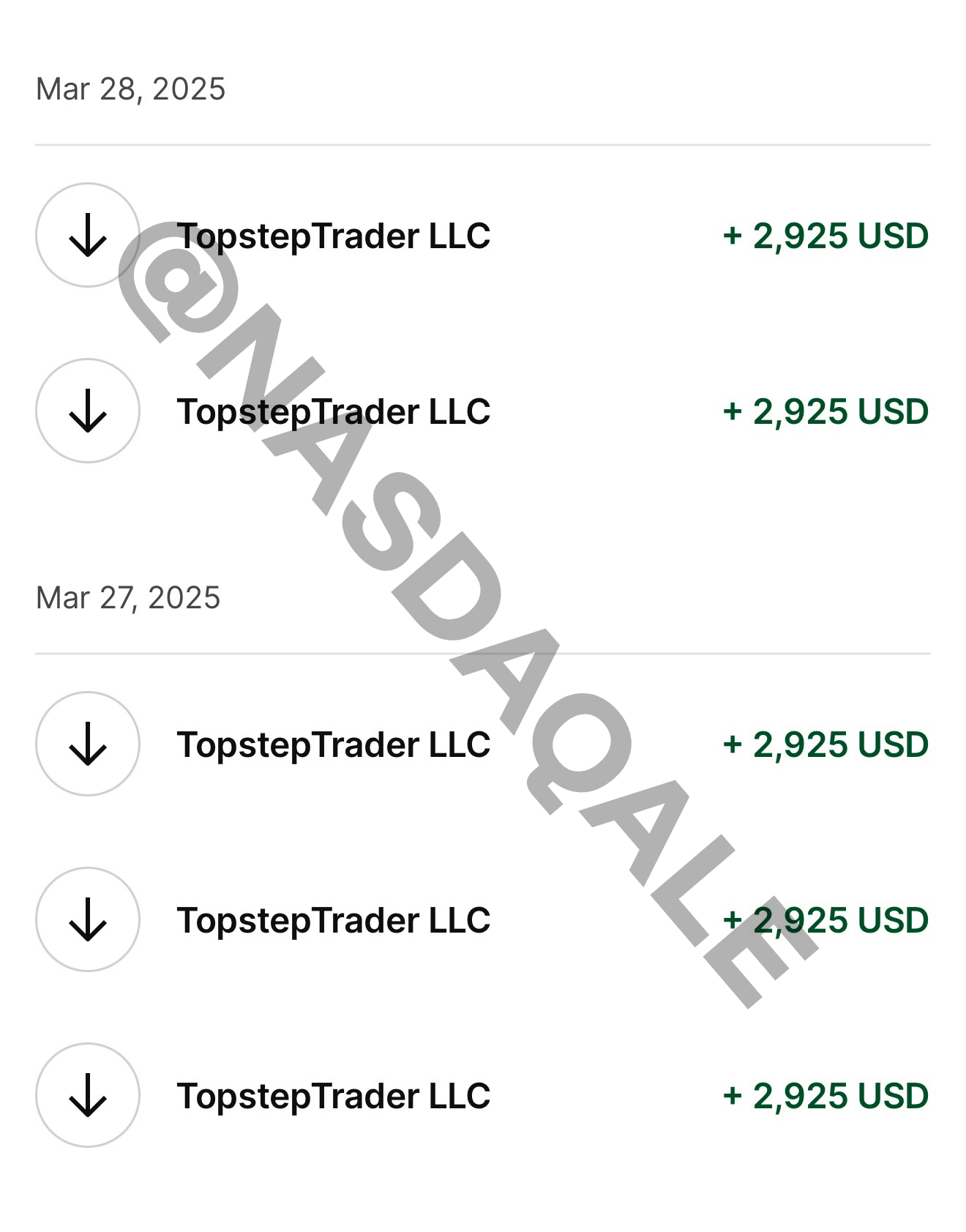
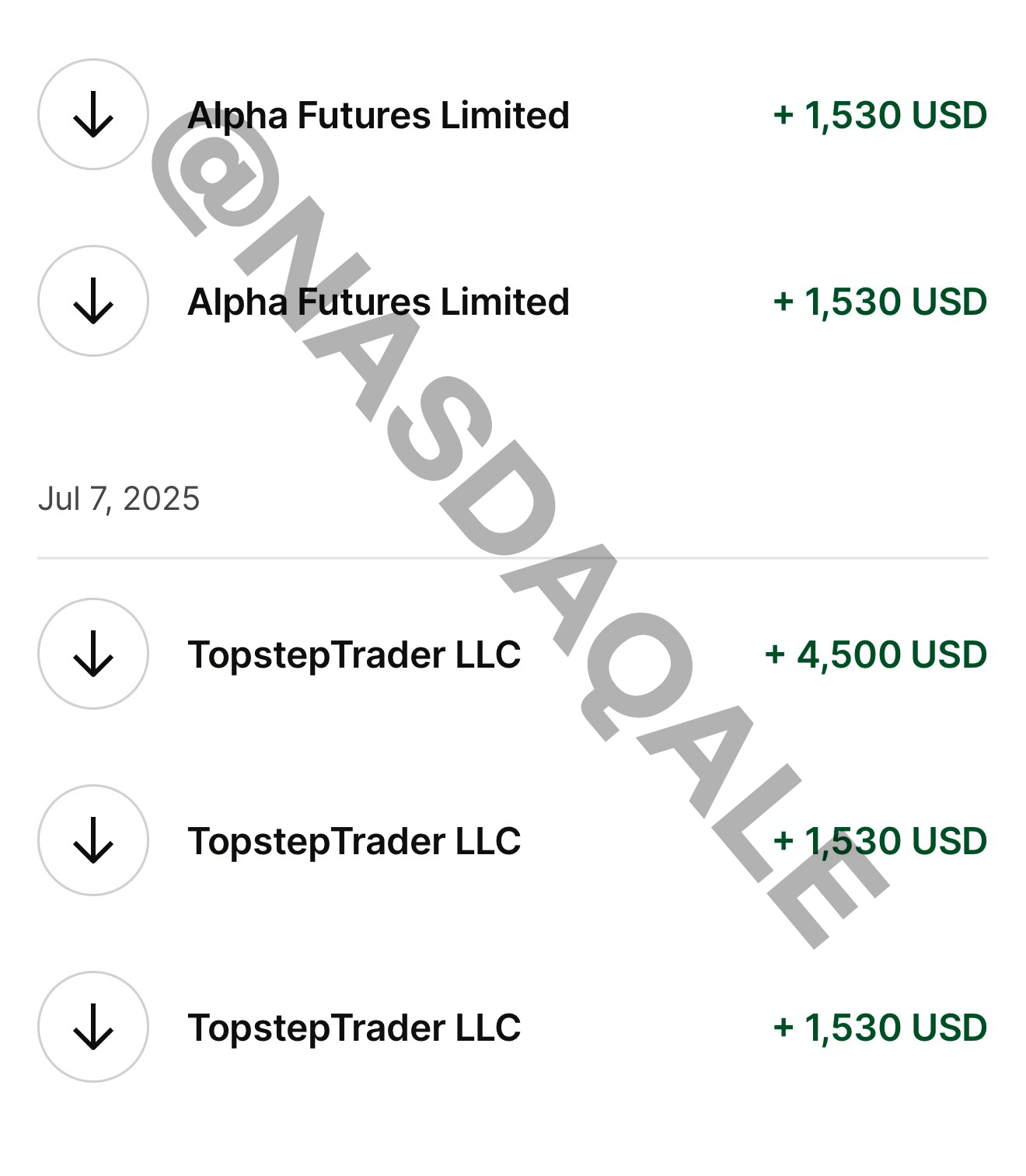
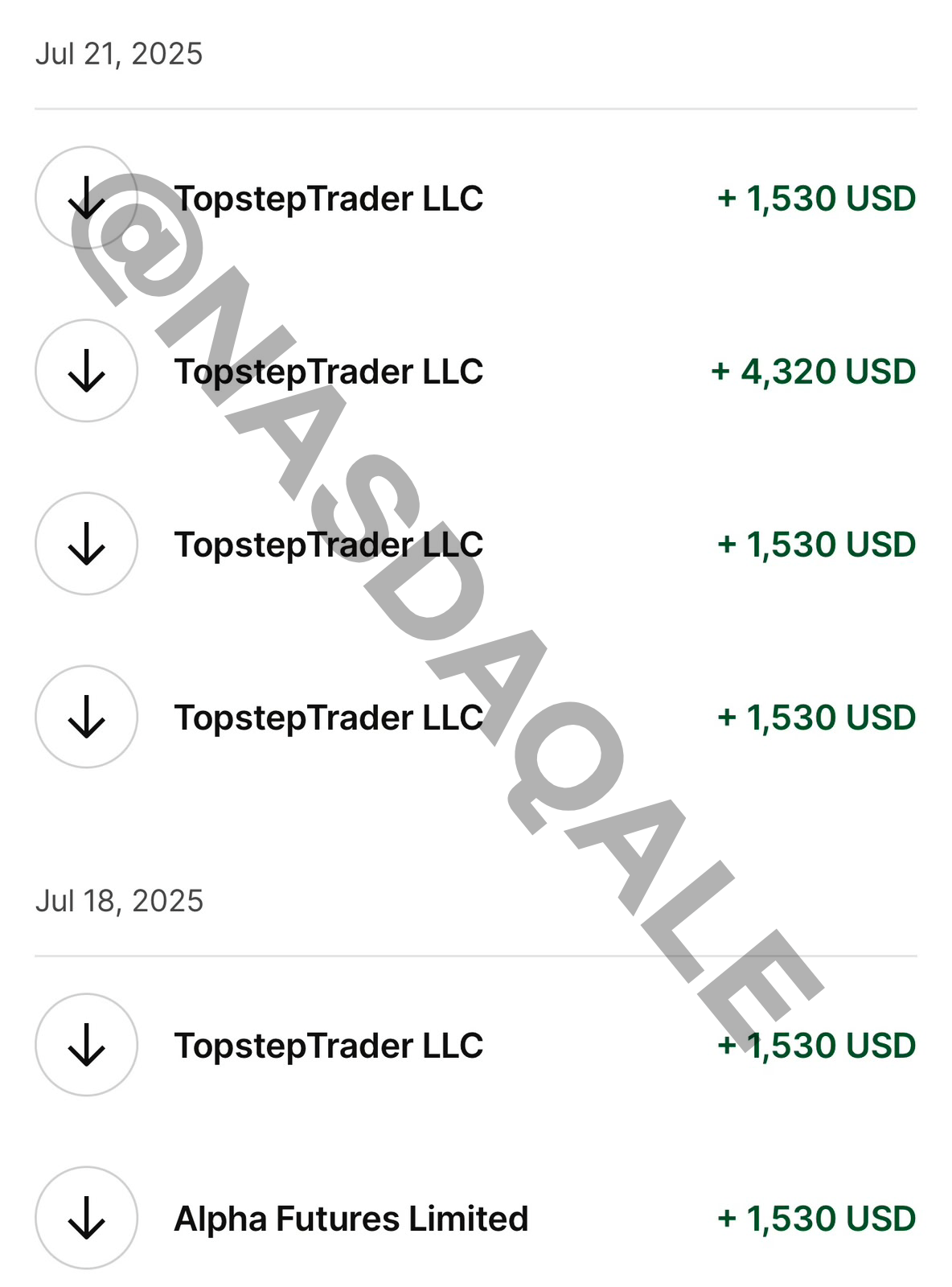
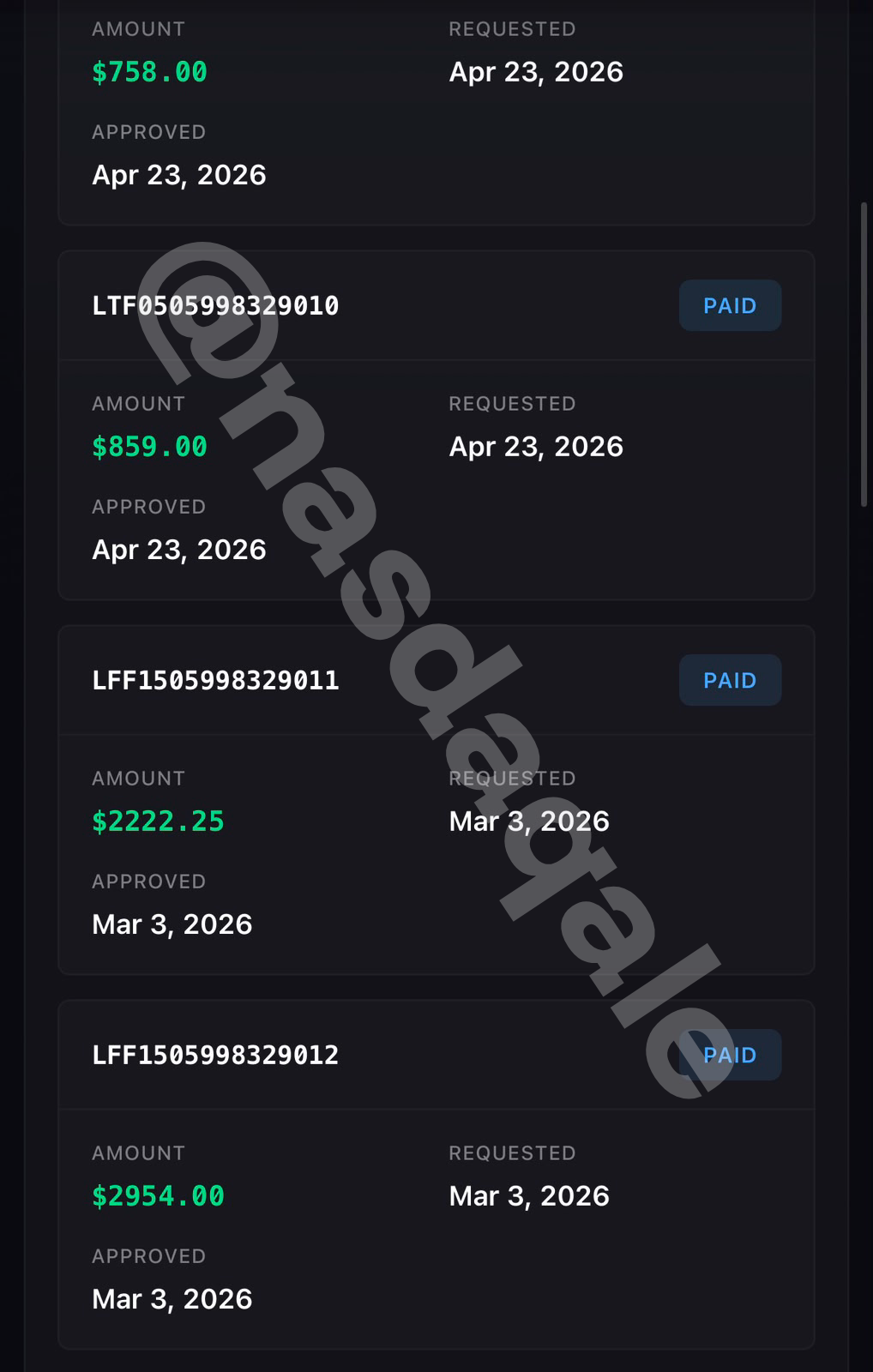
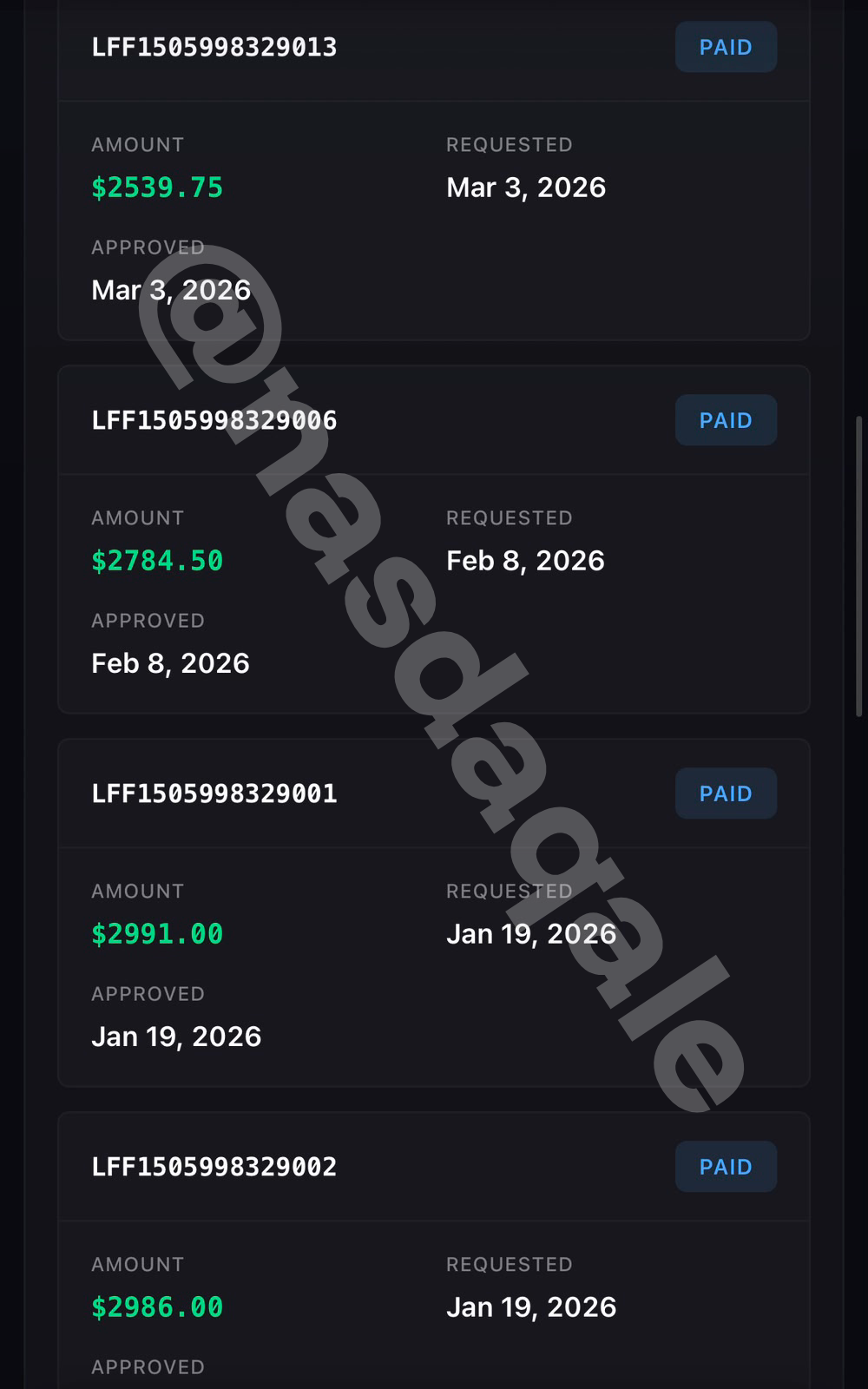
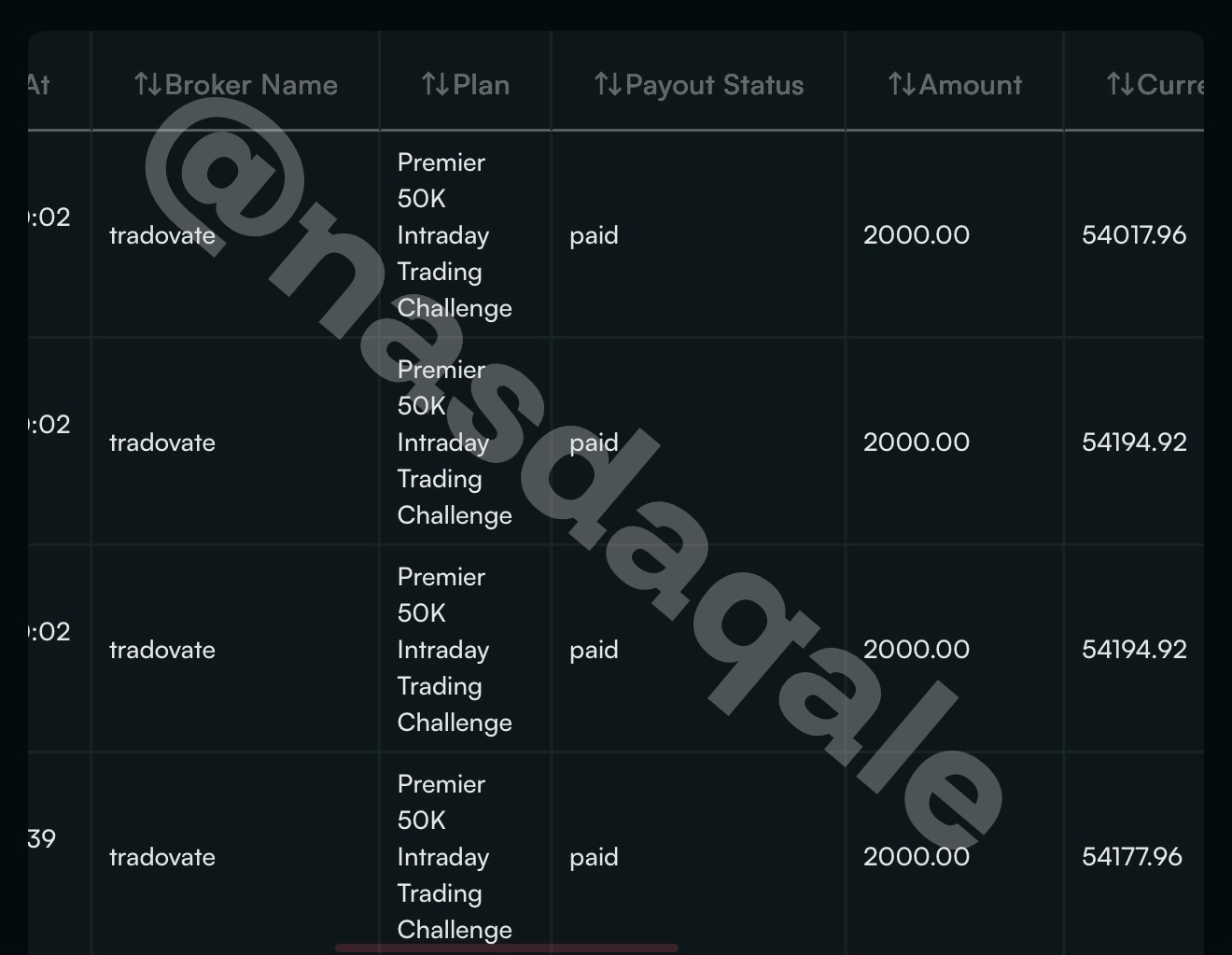
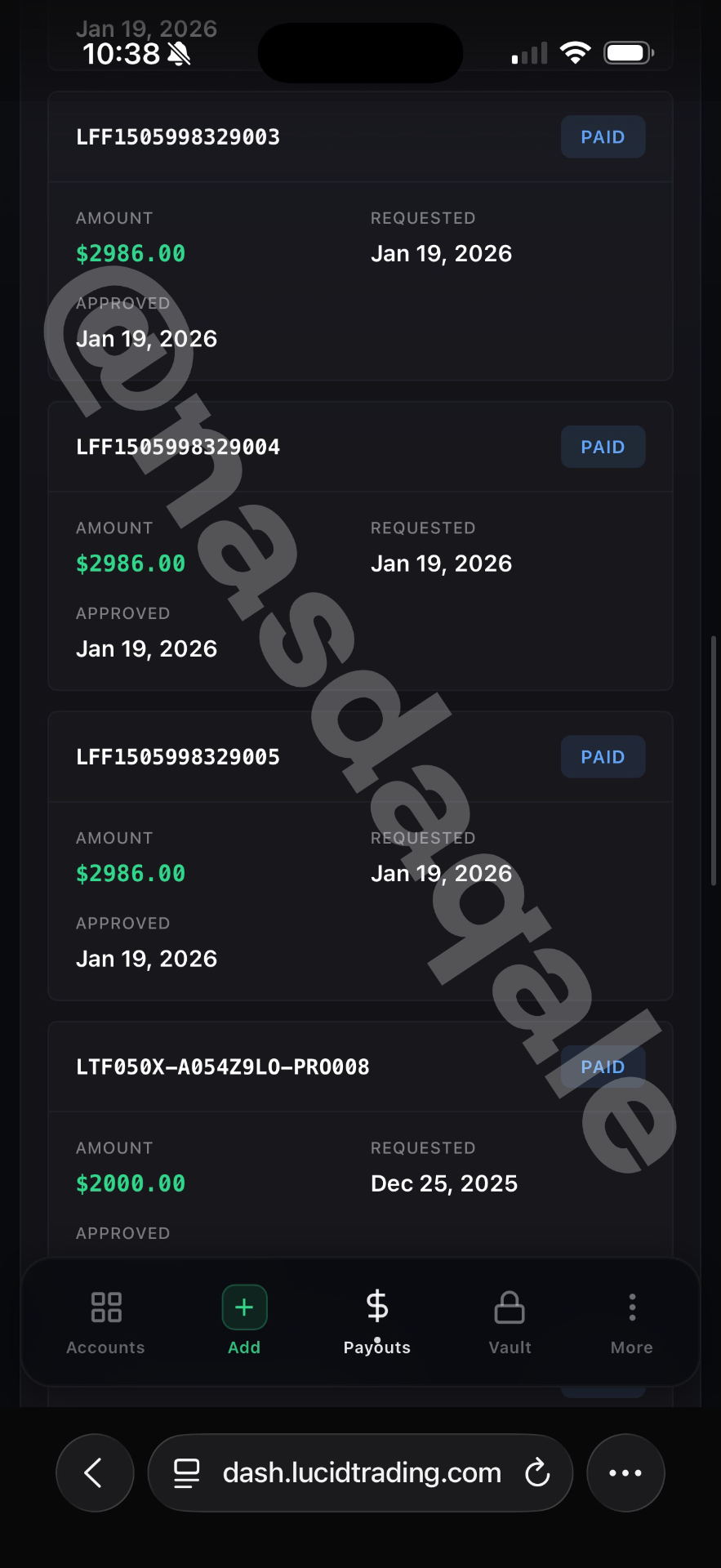
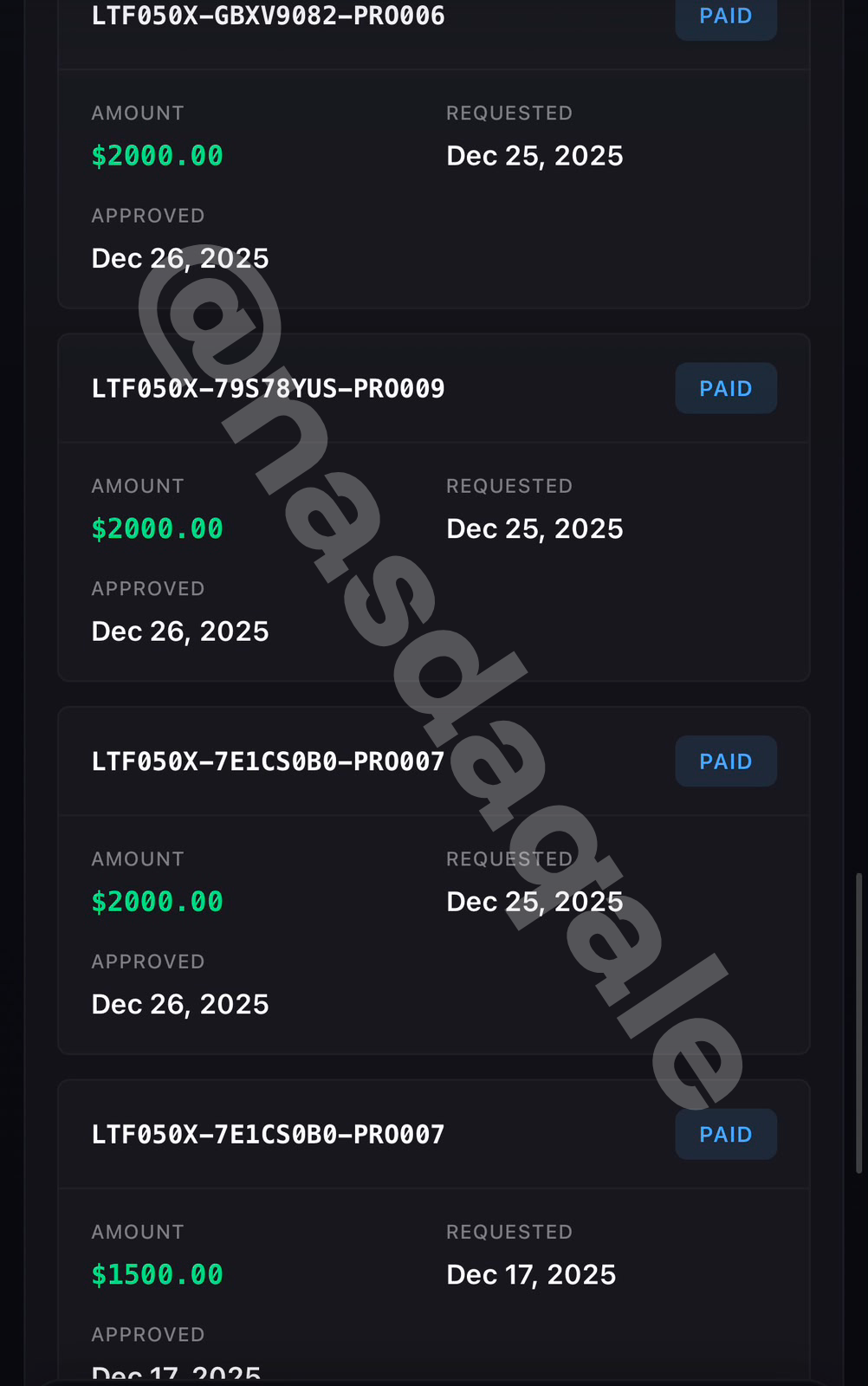
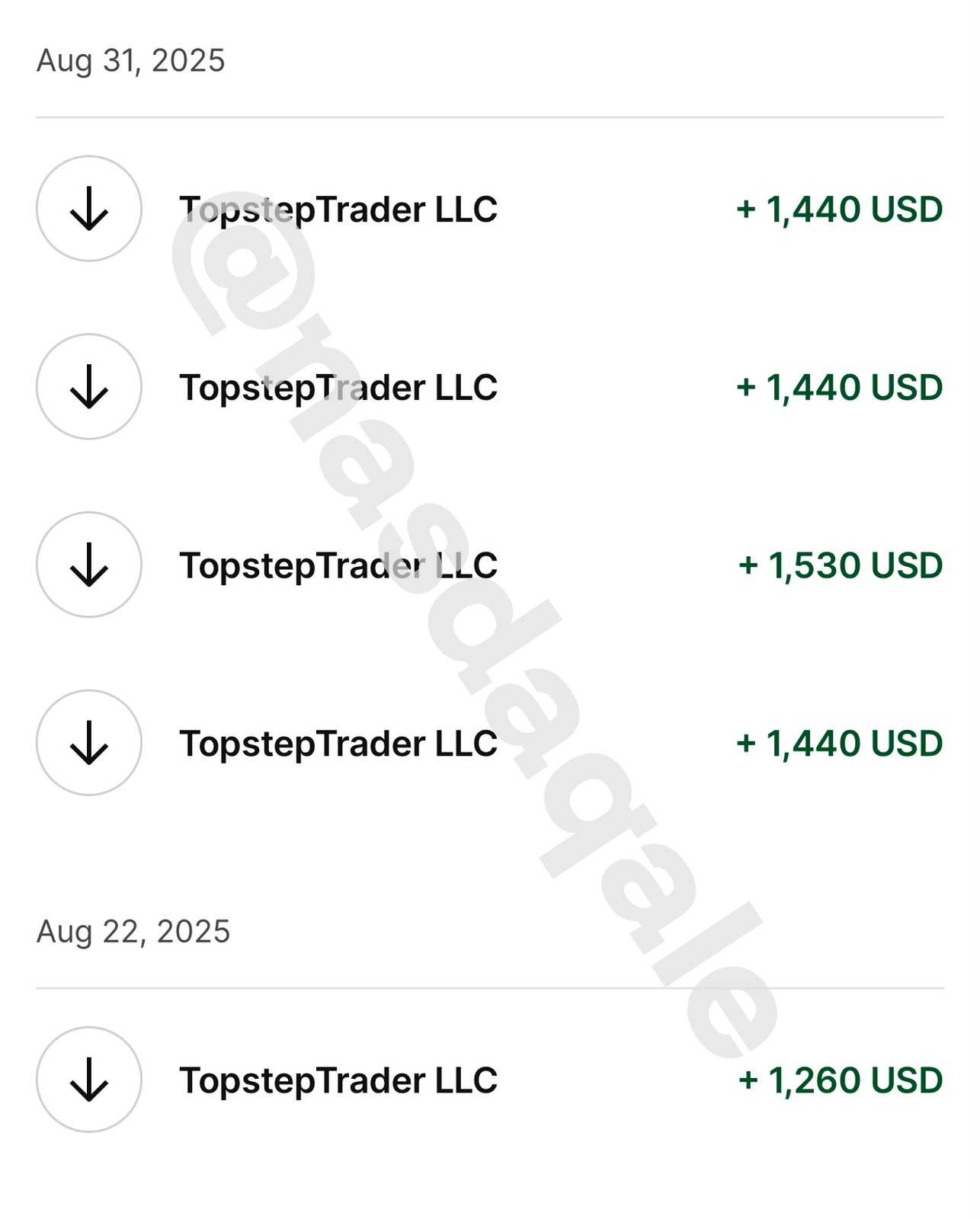
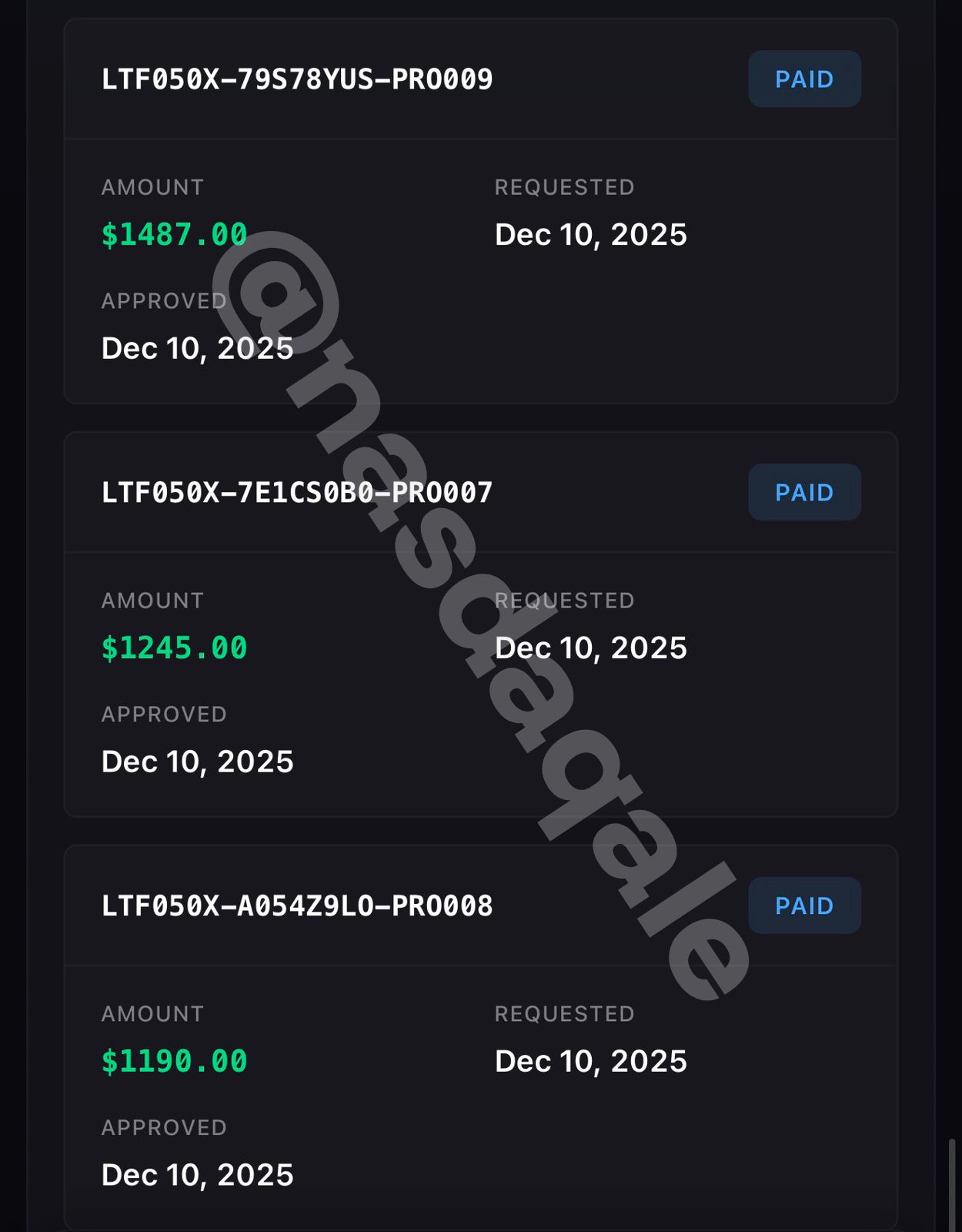
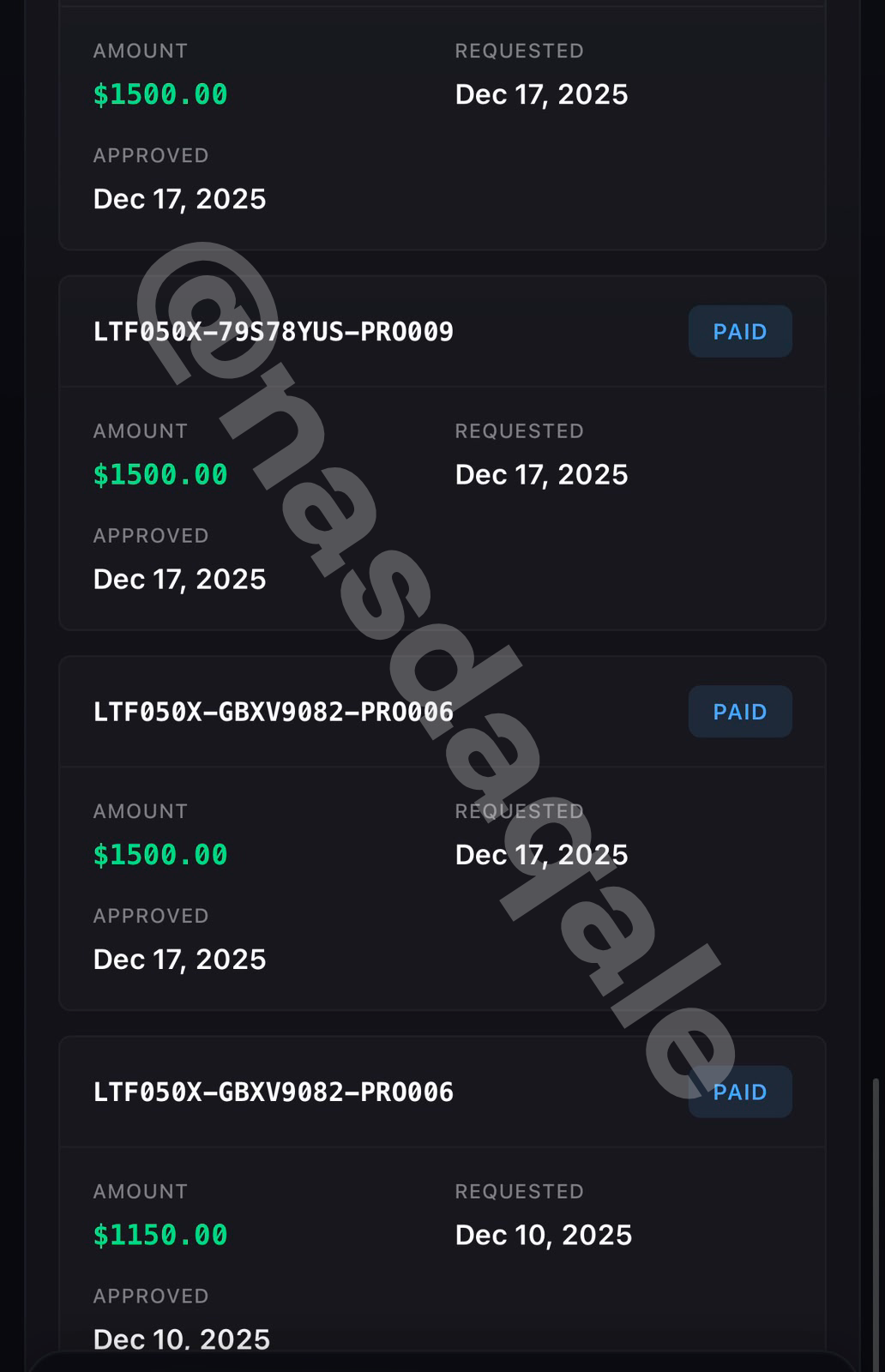
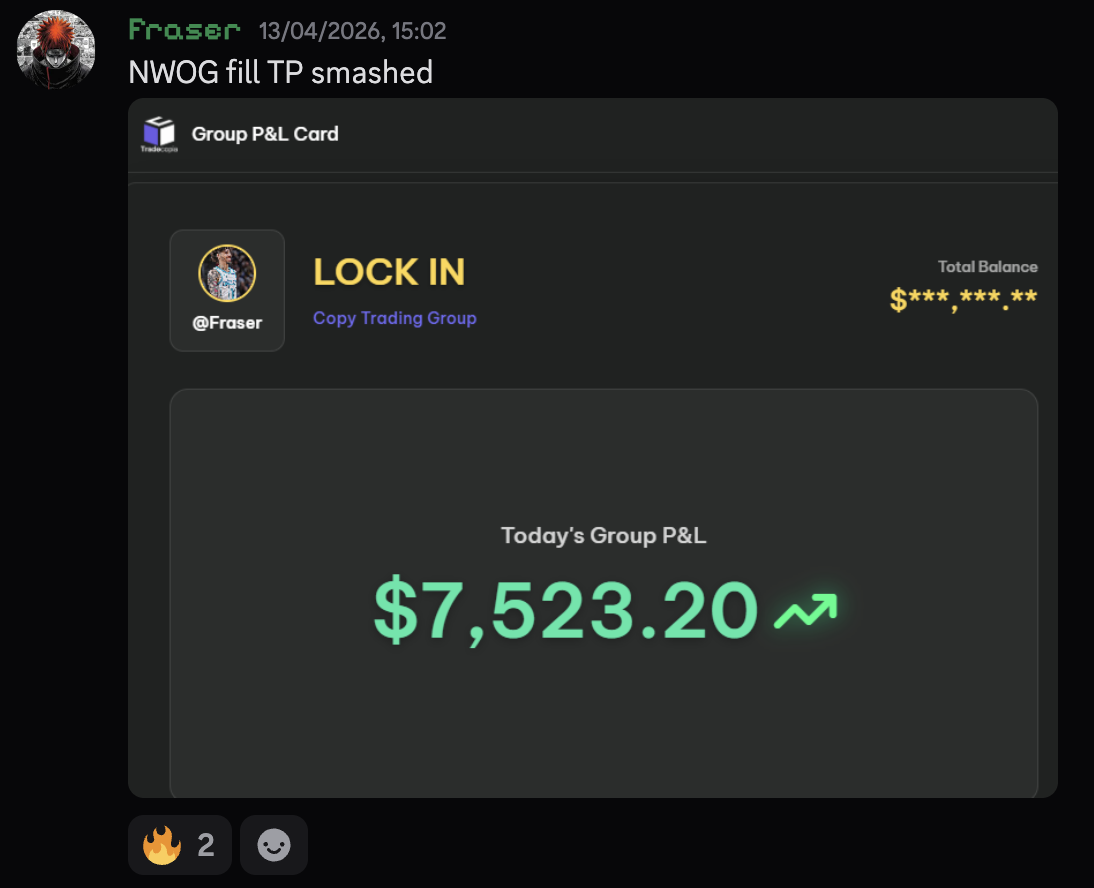
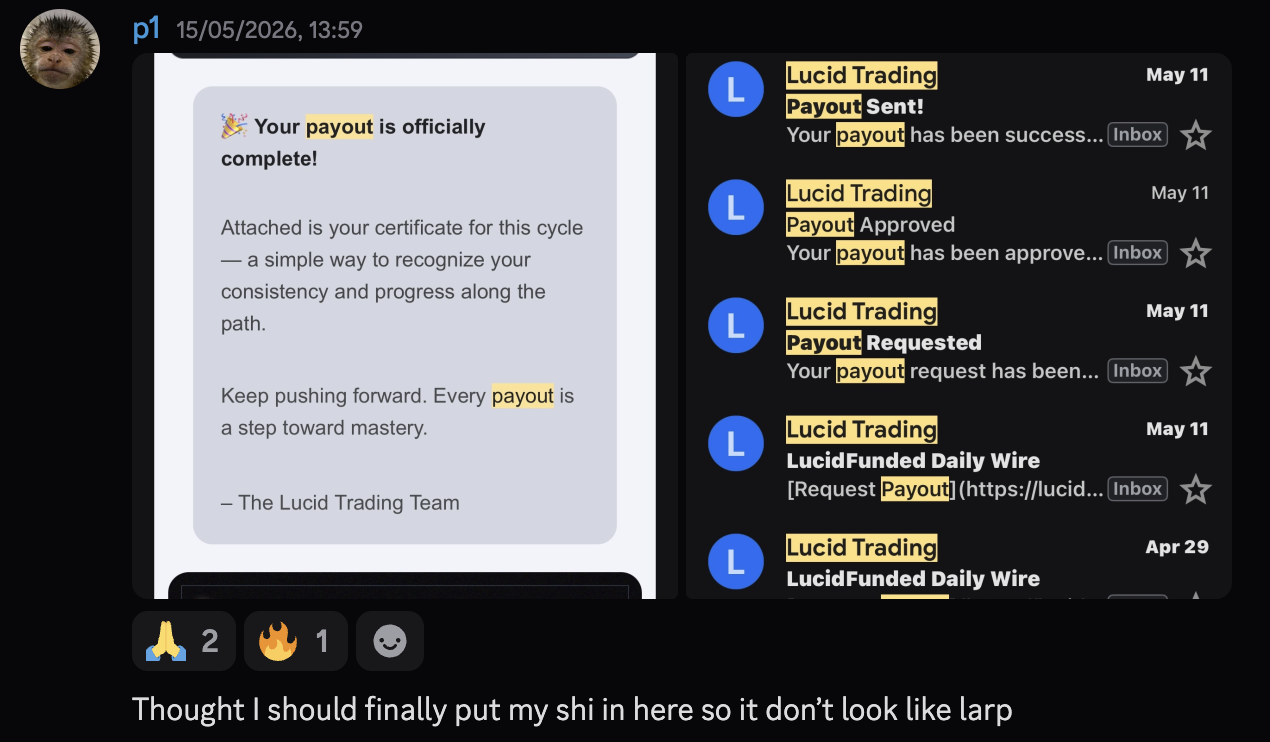
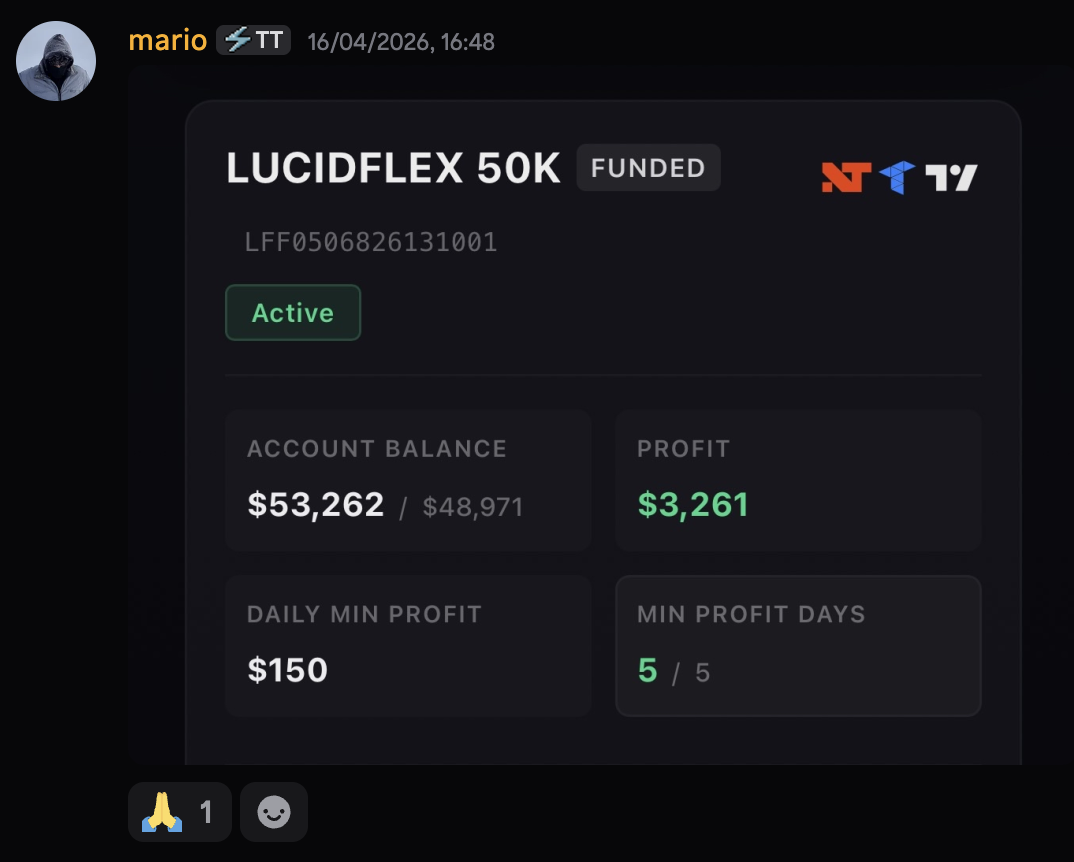
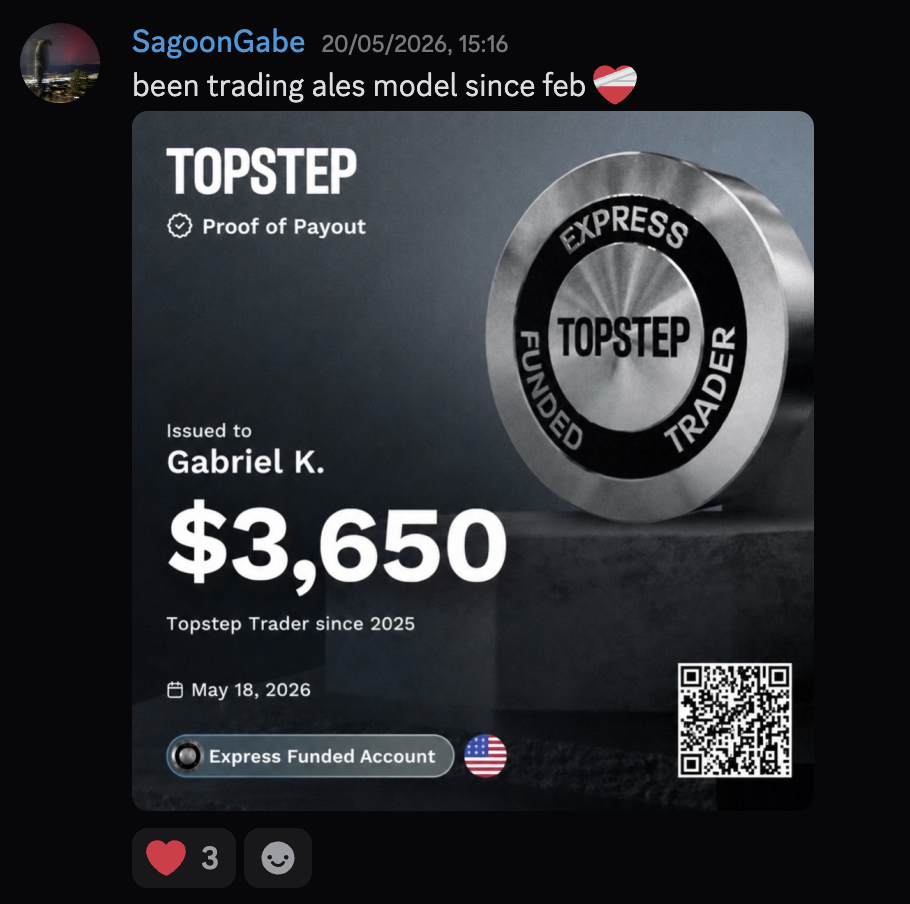
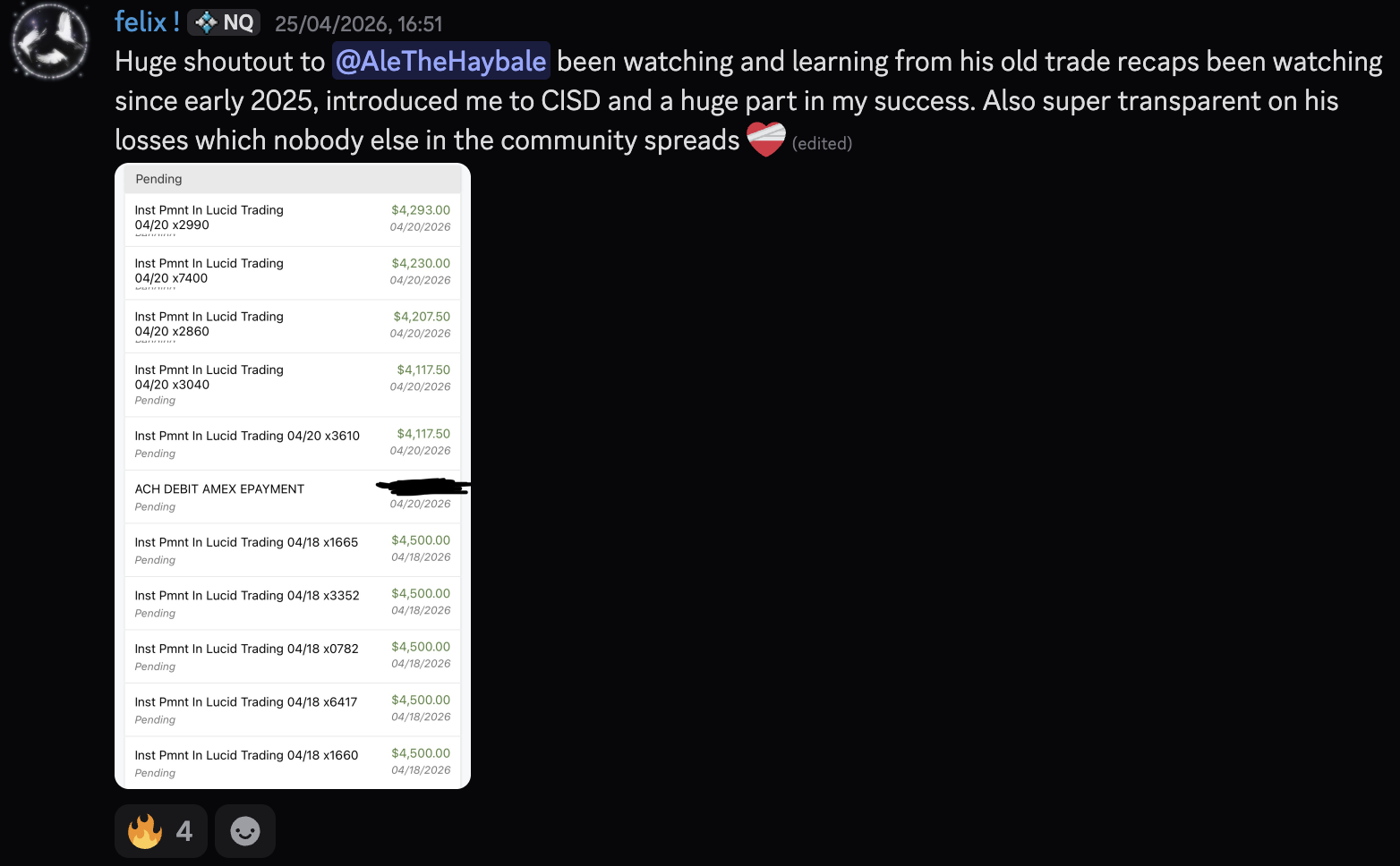
Check Out Some More Wins From The Funded Formula Students
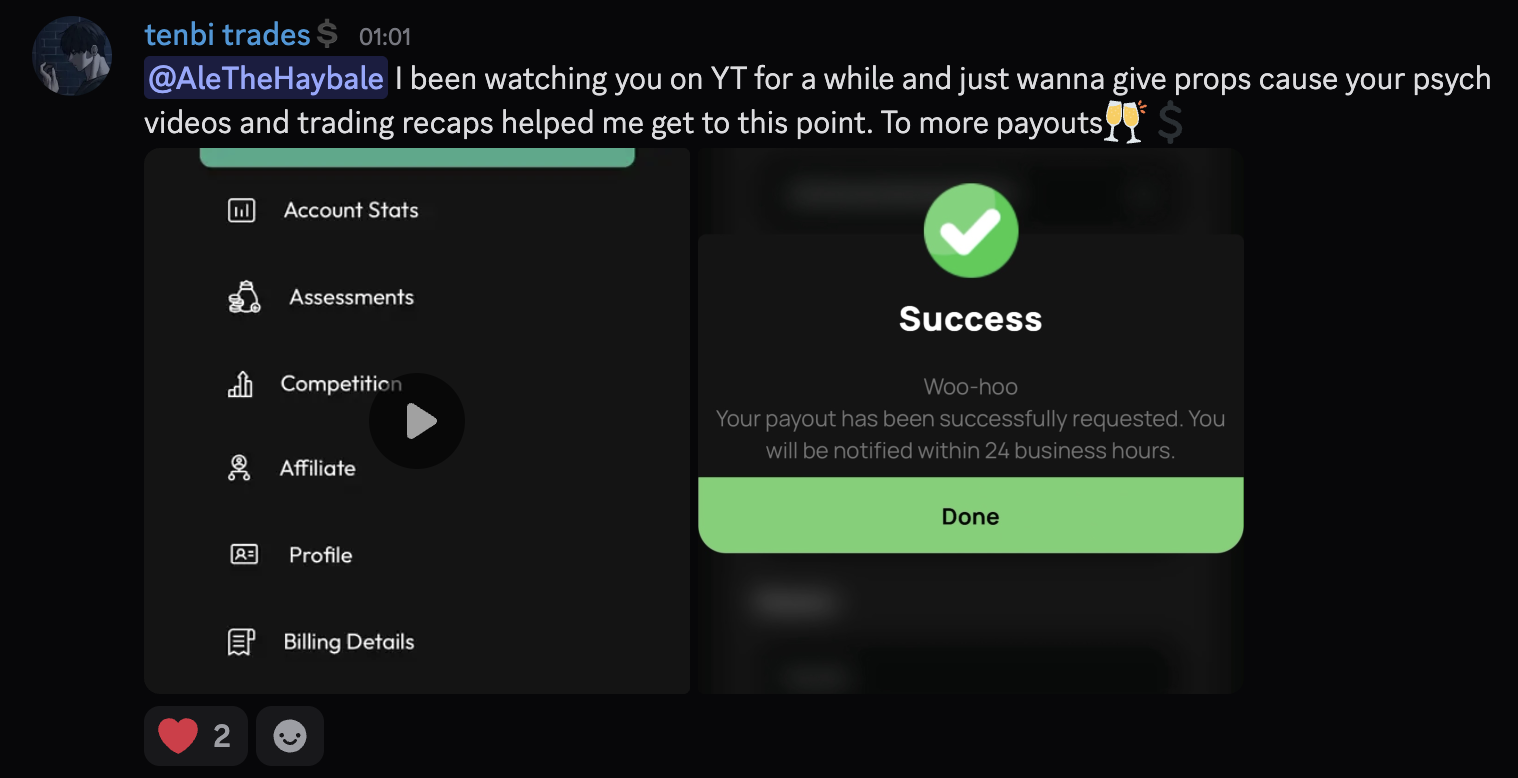
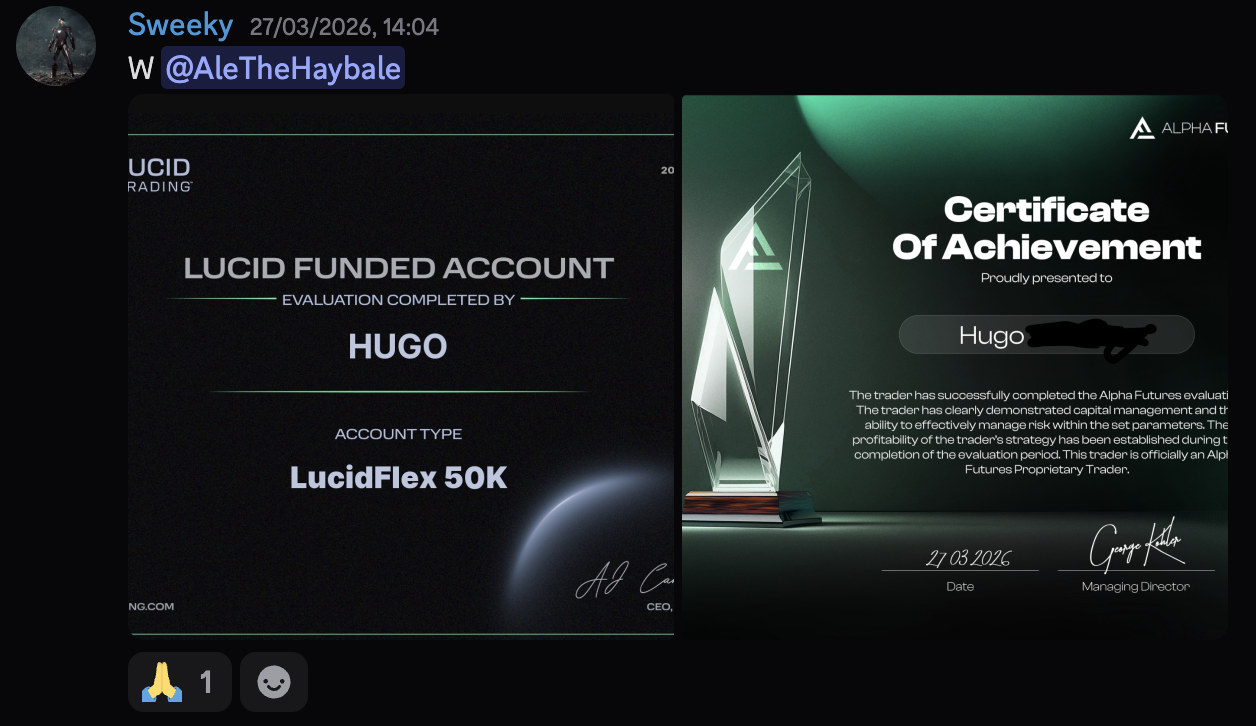
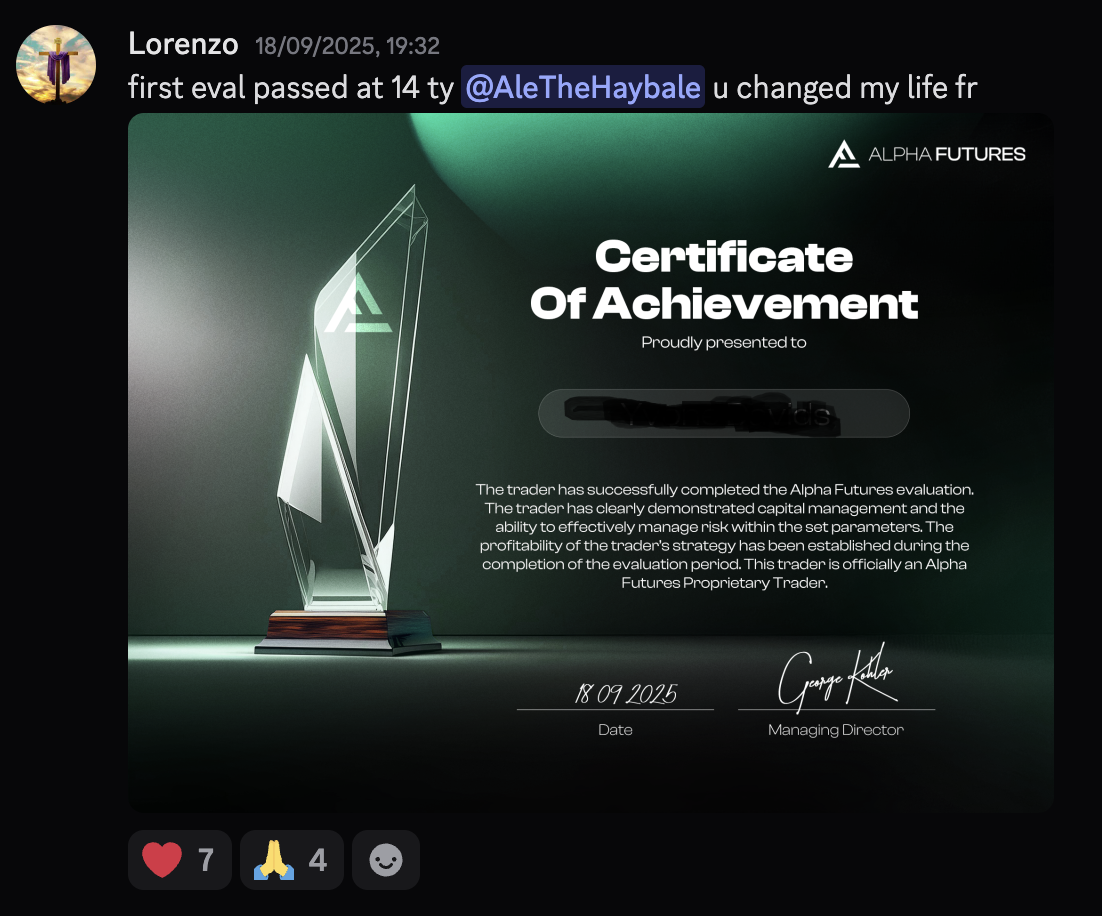
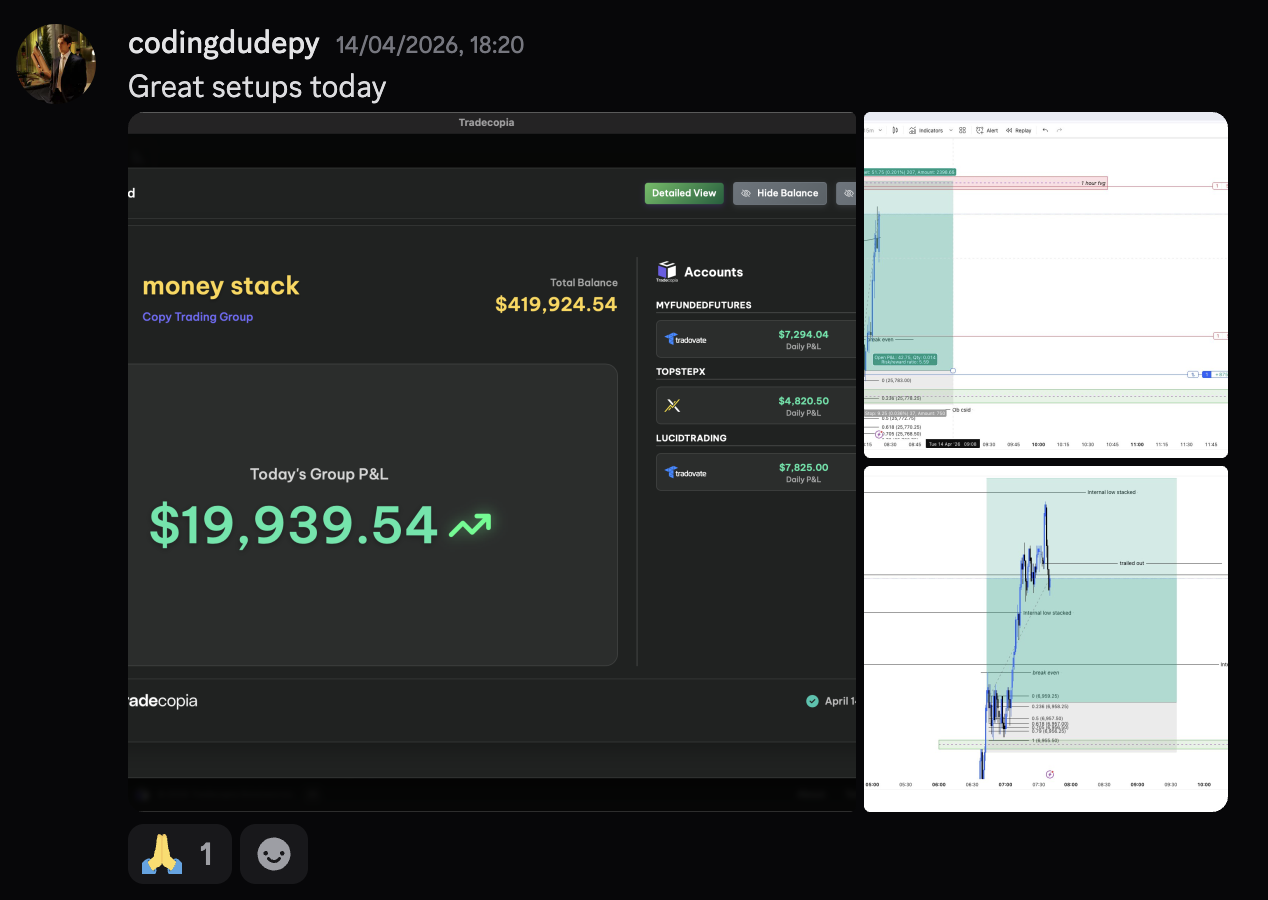
Who Said Coaches Don't Play?